
Boost Local Trades with Google Maps SEO
Google Maps SEO optimisation is the set of practices that improve a trades business’s visibility in the Local Pack and map results, increasing qualified local enquiries and on-the-ground bookings. This guide explains how Google Business Profile optimisation, local citations, reviews and tracked CTAs work together to boost relevance, prominence and distance signals so trades like plumbers, electricians and builders win more jobs. Many trades businesses struggle to convert map visibility into measurable contacts; this article shows practical steps for GBP setup, review workflows, conversion tracking and service-level schema to turn visibility into Business Leads. You will find clear ranking-factor definitions, trade-specific examples, checklists for NAP and categories, and conversion tactics (click-to-call, booking links, tracked landing pages) to measure ROI. Read on for action lists, EAV comparison tables and short templates that make implementing google maps seo optimisation straightforward for local trades.
What Are the Key Google Maps Ranking Factors for Trades Businesses?
Google Maps ranking is driven by three core factors: relevance, distance and prominence, which together determine Local Pack position and click-through rates. Relevance maps the search intent to GBP categories and services, distance uses user location and service area settings, and prominence measures review volume, citations and on-site local signals. Trades businesses that align service pages with GBP categories and build consistent citations can improve each factor and surface for “near me” queries. The following list summarises quick actions to improve each factor before we compare attributes in a compact EAV table.
- Relevance: Optimise GBP categories and service descriptions to match customer queries.
- Distance: Configure Service Area Business settings and ensure service pages target local suburbs.
- Prominence: Increase verified reviews, local citations and backlinks from trade directories.
This table compares ranking factors with attributes and practical actions to implement.
The table shows how targeted GBP and on-site work map directly to each ranking signal and where to prioritise effort for fast wins. Understanding these factors leads into how each operates in practice for trades searches.
How Do Relevance, Distance, and Prominence Affect Local SEO Google Maps Rankings?
Relevance connects search queries to your Google Business Profile by category and service descriptions, so specifying trade-specific services improves match rates. Distance influences which businesses Google shows for location-based queries; service area configuration and local pages tell Google where you operate. Prominence is built from review volume, quality local citations and on-site content that demonstrates authority, which increases ranking and click-throughs. For example, a plumber who publishes service pages for boiler repair in specific towns increases relevance and distance coverage. Next, we look at why reviews and complete business information are core to prominence and user trust.
Factors in Google’s Local Search Algorithm: Location, Prominence, Relevance, and Distance
At that early stage of development, the primary factors Google employed in its local search algorithm were ‘location’, ‘prominence’ or ‘trust’, and ‘relevance’ (as part of Google’s general organic search algorithm). It was only in February 2005, with the official launch of Google Maps, that ‘distance’ was incorporated, bringing the algorithm closer to its current iteration.
Why Are Customer Reviews and Business Information Critical for Google Maps Visibility?
Customer reviews and accurate business information feed Prominence and user trust, influencing both ranking and conversion from the Local Pack. Higher review counts and better star ratings signal authority to Google and increase click-through rates from searchers comparing trades businesses.
Two quick wins are: implement an after-job review ask workflow and perform a NAP audit across major local citations to ensure consistency. Consistent business information also helps indexing and reduces confusion for mobile “near me” searches. With reviews and NAP tuned, the next step is claiming and optimising your Google Business Profile correctly.
How Can Trades Businesses Optimise Their Google Business Profile for Better Local SEO?
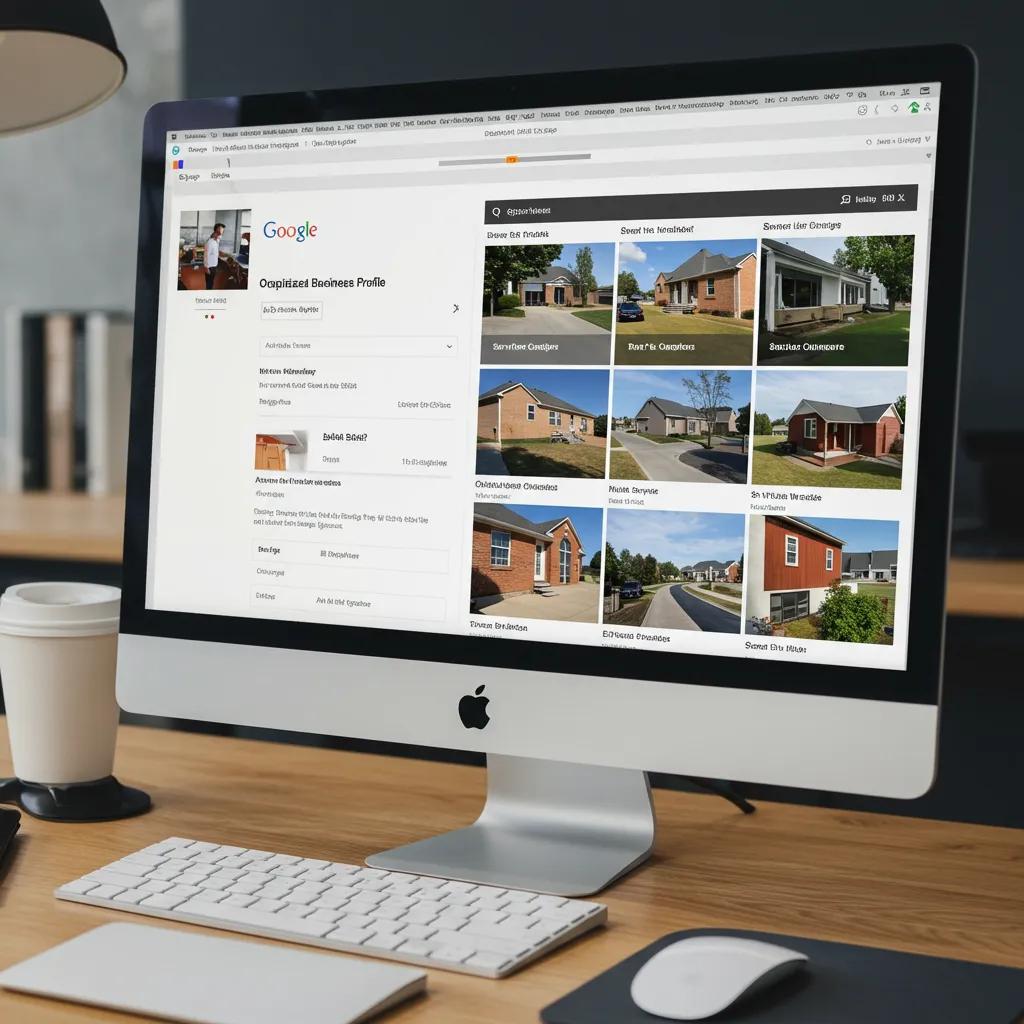
A fully optimised Google Business Profile improves Relevance and Prominence by supplying Google with structured details about services, service area and proof points that users see.
Start by claiming and verifying the profile, then set precise NAP formatting, select specific primary and secondary categories, list services with clear descriptions and add high-quality photos showing recent work. Use Google Posts for short offers and upload photos regularly to signal activity to Google and potential customers. Below is a short checklist to guide GBP setup and a compact EAV table that maps critical fields to best-practice formats.
- Follow this GBP setup checklist before proceeding:
Claim and verify the profile with business verification.
Set primary category to the most specific trade (e.g., “Plumber” not “Home Services”).
Add service area, service list, clear business description and recent photos.
This table clarifies how each GBP field maps to a concrete action that increases local search relevance and trust.
If trades teams prefer managed help for setup, Marchewka Studios — a Digital Agency — can provide GBP setup and verification support as an option for trades who want a managed service.
Optimising Google Business Profile: A Case Study on Enhancing Visibility
The strategies employed encompassed thorough profile completion, proactive management of reviews, and consistent content updates. The findings indicate a substantial rise in Google Maps profile views, from a target of 46 to 395 views within a one-month period (1-30 June 2025). Furthermore, 177 customer interactions
What Are the Best Practices for Claiming and Verifying Your Google Business Profile?
Claiming and verifying the GBP secures control and enables posts, offers and messaging that drive leads; verification also unlocks insights and tracking tools.
For Service Area Businesses, verify using the recommended method and avoid exposing a full street address if you operate from a van or customer locations.
Common problems include duplicate listings and incorrect addresses; resolve duplicates by requesting merges and maintaining NAP consistency across citations.
Keep a verification log and check GBP insights to confirm the profile is active and indexed. Proper claiming leads naturally into optimising NAP, categories and media.
How to Optimise NAP, Categories, Photos, and Google Posts for Trades?
Consistent NAP across directories prevents fragmentation and improves citation authority; use one canonical format and update all listings.
Choose the most specific primary category for your trade and add secondary categories for related services, which increases matching for varied search intents.
Upload photos of completed jobs, before-and-after shots and team images to build trust; aim for clear, well-lit images that show the scope of work.
Use Google Posts with offers, emergency availability or seasonal promotions to prompt click-to-call actions and demonstrate recency.
These GBP actions improve CTR and set up map-sourced traffic for tracking and conversion.
What Strategies Generate More Business Leads Using Google Maps SEO for Trades?
Converting map visibility to Business Leads requires clear CTAs, tracked landing pages and phone tracking so every GBP interaction can be measured and optimised.
Effective CTAs include click-to-call, booking links and direction requests; pairing CTAs with UTM-tagged landing pages lets you attribute website form fills back to Google Maps.
The short list below outlines conversion tactics and an EAV table compares CTA options with tracking methods and outcomes.
- Use click-to-call for immediate contacts and track via call tracking numbers.
- Link service-specific landing pages with UTM parameters for form tracking.
- Add booking or quote links for scheduled conversion and measure completions.
This comparison helps you choose CTAs that match your operational process and measurement stack. Marchewka Studios applies tactical lead-generation approaches for trades to convert map visibility into measurable Business Leads, offering managed GBP optimisation, CTA implementation and conversion-tracking support.
Local Business Optimisation for Google Search Visibility and Traffic
The purpose of the presented research is to substantiate the importance of local business optimisation for retailers to search engines in order to increase organic traffic; to present insights and provide practical recommendations for retailers regarding the local optimisation of their business within Google as part of an effective marketing strategy; to create typical, valid data micromarking (using the example of a Ukrainian retailer), which will contribute to advantageous placement in the Local Pack compared to competitors, and to increase organic traffic and conversion.
How to Convert Google Maps Views into Website Clicks and Phone Calls?
Improve CTR by writing a concise business description that highlights key services, adding compelling photos and listing services so searchers recognise relevance instantly.
Use landing pages aligned to the GBP service entry with UTM tags and simple contact forms to capture leads from map traffic.
Ensure click-to-call is front-and-centre and test call-tracking numbers to differentiate map-sourced calls from other channels.
Offer time-limited offers via Google Posts to encourage immediate action and measure impact through a consistent tracking setup.
These steps turn passive map impressions into accountable customer contacts.
Which Call-to-Action and Tracking Methods Work Best for Trades on Google Maps?
Call tracking with unique numbers gives clear attribution for phone leads, while UTM-parameterised landing pages capture website conversions from map clicks. GBP insights provide basic click and direction metrics, but pairing these with Google Analytics and a call-tracking provider builds a robust KPI set: calls, website clicks, form submissions and booked jobs. Monitor these KPIs weekly and iterate CTAs or post messaging to lift conversion rates. Choosing the right mix of CTAs and tracking lets trades prioritise channels that reliably generate paid work.
How Do Customer Reviews Impact Google Maps SEO and Lead Generation for Trades?
Customer reviews affect both Prominence and user decision-making: more positive reviews increase visibility in Maps and improve click-through and hire likelihood. Reviews act as social proof for trades where trust is paramount, and Google uses review signals in local ranking algorithms.
- Ask for reviews immediately after job completion while the experience is fresh.
- Use short SMS or email templates to request feedback and include guidance on what to mention.
- Systemise review asks in your CRM to make review generation repeatable.
These steps raise review volume and quality, which in turn improves prominence and lead conversion from map results.
What Are Effective Ways to Encourage and Manage Positive Reviews on Google Maps?
Encourage reviews by training technicians to request feedback in-person after jobs and follow up with a concise SMS or email reminder within 24–48 hours.
Provide a short template staff can use when asking customers to mention the specific service they received to increase relevancy.
Systemise requests using your CRM and thank customers who leave reviews to encourage repeat referrals.
Ethical, timely requests increase positive review velocity and improve both ranking and trust signals.
Managing reviews leads into how to handle negative feedback constructively.
How Should Trades Businesses Respond to Negative Reviews to Build Trust?

Responding to negative reviews quickly and professionally can turn a complaint into a recovery opportunity and demonstrates accountability to prospective customers.
Use a response framework: acknowledge the issue, apologise, propose a remediation and invite offline dialogue to resolve details.
Keep responses factual and solution-focused, offering to take the conversation offline while showing willingness to fix the problem publicly.
A well-handled negative review can convert an unhappy customer into a repeat client and reassure others considering your services.
Firms that combine review-generation with managed response workflows see better lead conversion from their mapping presence; managed review-generation and response services are available to support this effort.